Club Pump Receipt Generator
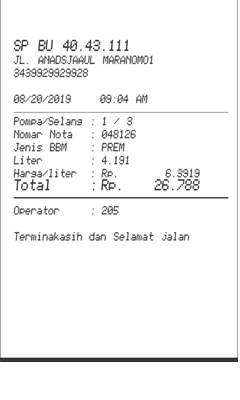
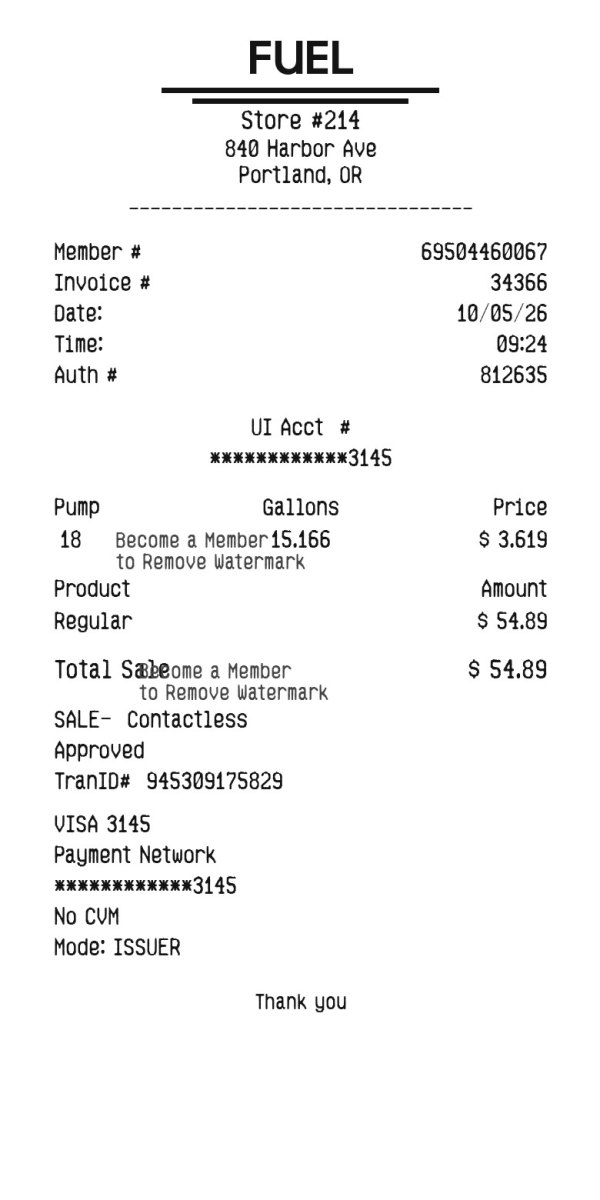
A narrow pump slip. You can place a logo at the top. Without one, the slip is headed Fuel.
Enter Receipt Details
What information you can enter on this Club Pump Receipt Generator template:
- Logo Upload a logo if you want one. It prints in gray at the top. The sample has no logo, so it shows the word Fuel.
- Station Station name, street, city and state, phone, date, and time. A member number, invoice number, auth number, and pump number are filled in.
- Fuel Quantity, Gallons or Liters, price per unit, and a grade: Regular, Unlead, Premium, or Diesel. A currency symbol, a tax label and percent, and a payment line you type. The payment line is used on the account and card lines. Five font styles sit above the fields.
How the sample is arranged
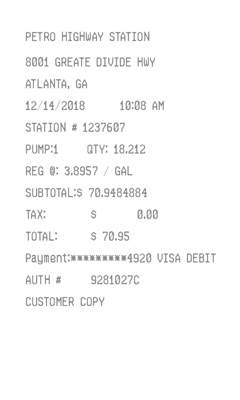
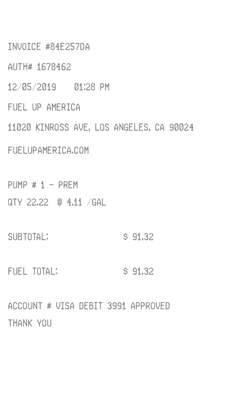
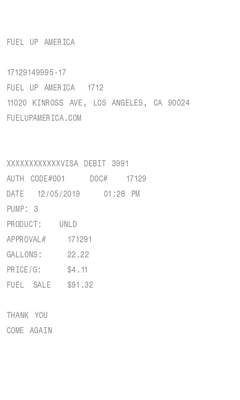
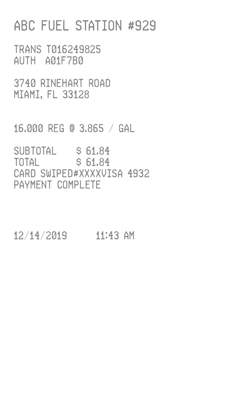
The sample is a narrow thermal slip. Fuel is centered, then the station, street, and city. Member, invoice, date, time, and auth numbers follow. Pump, gallons, and price share a row. Product and amount come next, then total sale, an approved line, and card details. Thank you is at the bottom.
How the amounts are worked out
The fuel amount is quantity times the price per unit. Choose No tax, or leave the percent at 0, and that is the sale total. Any other label adds that percent, and the tax line prints under Total sale. Member, invoice, auth, pump, and transaction numbers are filled in. Approved, No CVM, and Mode: Issuer are fixed text.
How to make this receipt
- Upload a logo if you want one, then enter the station name and address.
- Choose gallons or liters, the quantity, the price per unit, and the grade.
- Type a payment line, then make the receipt and download the JPG or PDF.
Membership and download
This is a Standard template. A current Standard or PRO membership removes the membership watermark. If you are not signed in, the receipt still shows that watermark. After you make the receipt, the page offers a JPG download and a PDF of that same image.
Other templates
- Island Pump Ticket A boxed ticket with the grade in large type and an amount-due bar. It does not take a logo.
- Gas Station Receipt A plain slip with a separate tax line and a zero balance, and no logo.