
Make a Receipt
In Seconds.
A free online receipt generator. Create a digital receipt, customize it, and download it.
Make a Receipt — FreeNo signup required
Looking for a receipt?
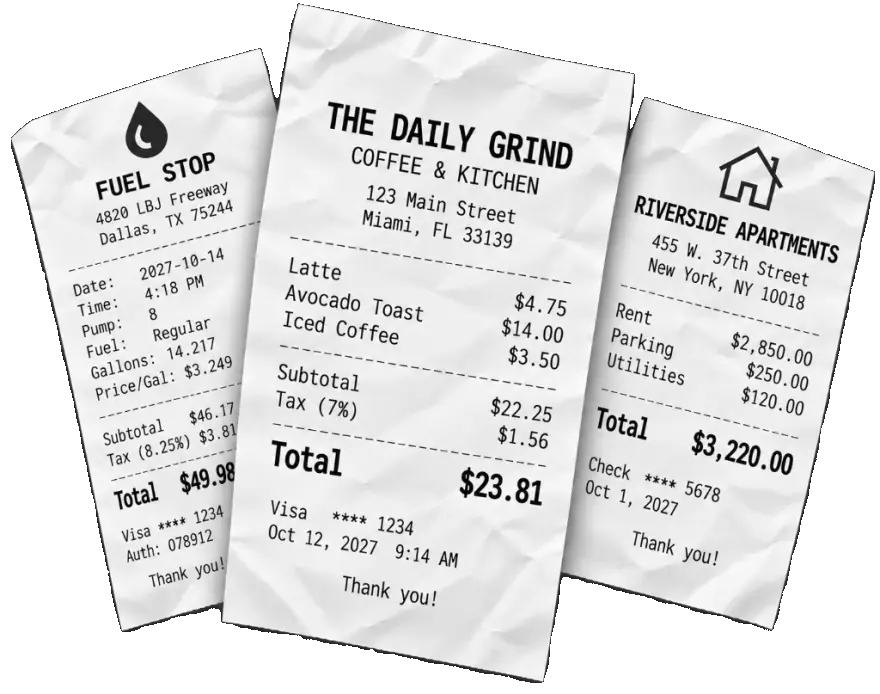
 Trusted by thousands of people in 84 countries.
Choose a reciept template to begin
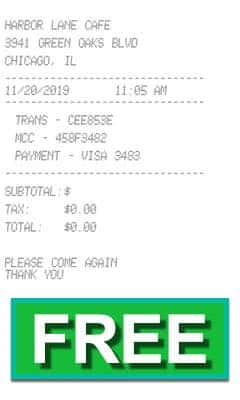
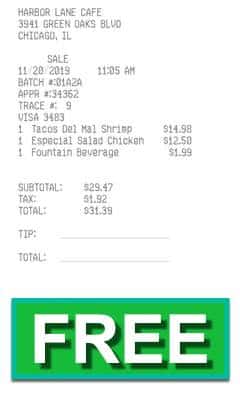
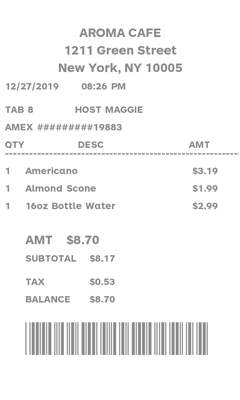
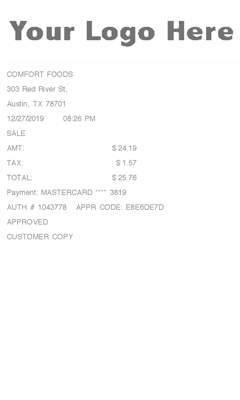
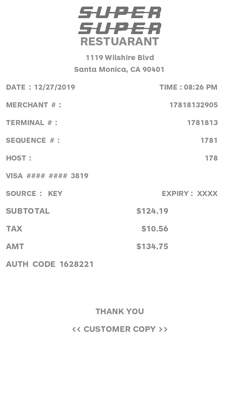
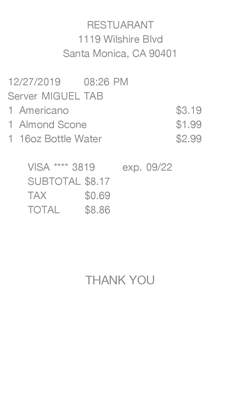
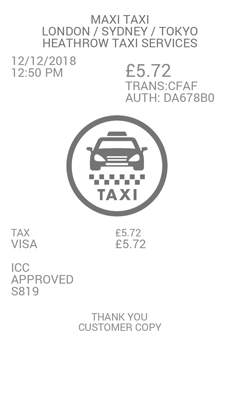
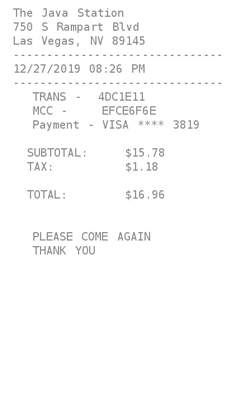
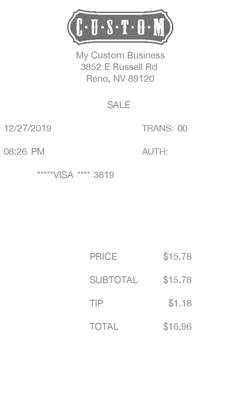
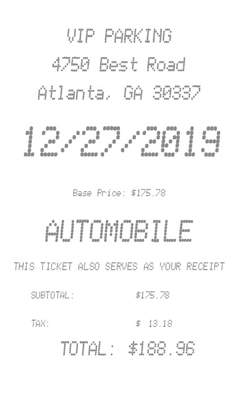
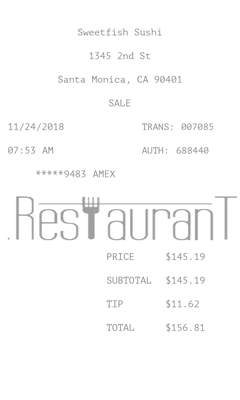
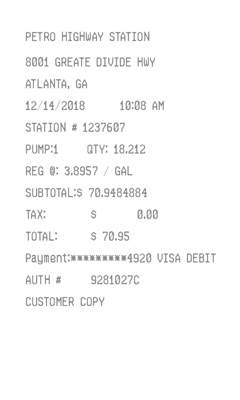
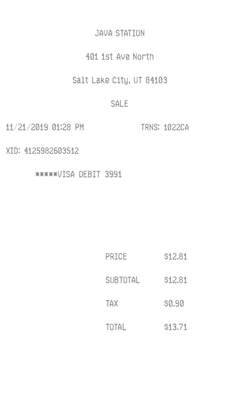
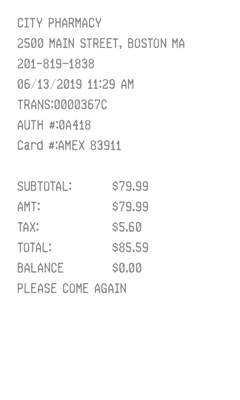
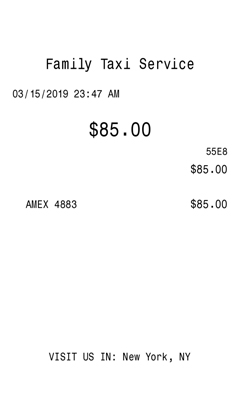
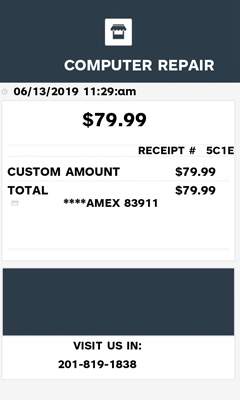
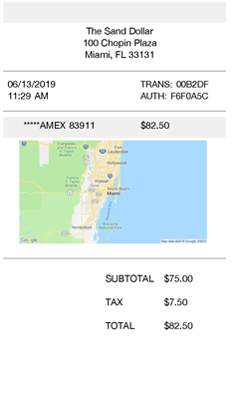
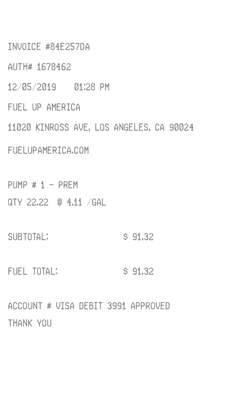
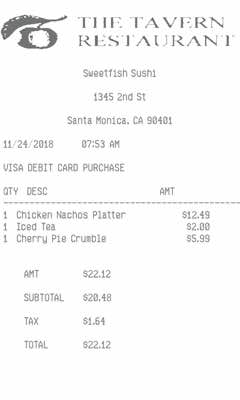
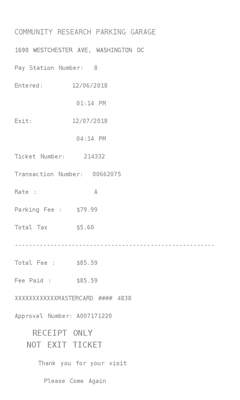
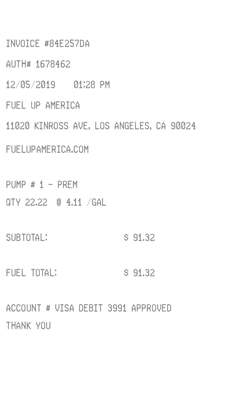
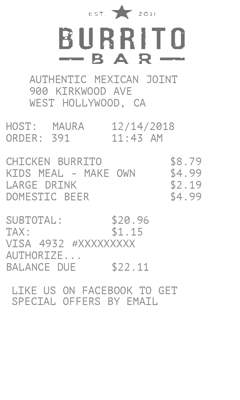
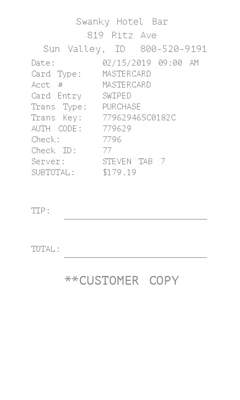
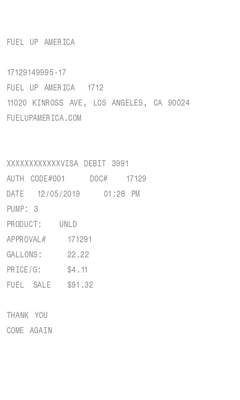
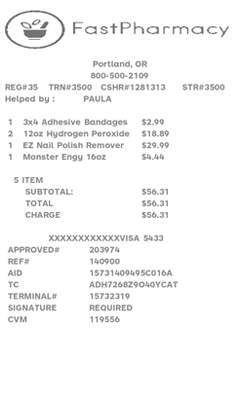
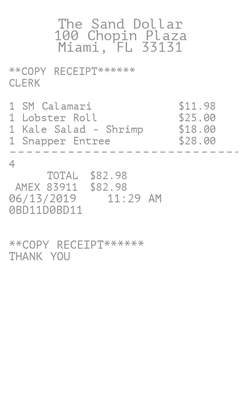
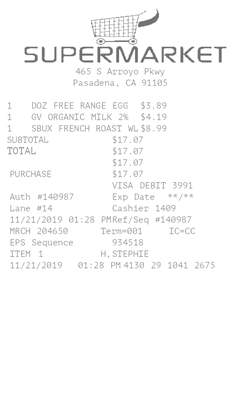
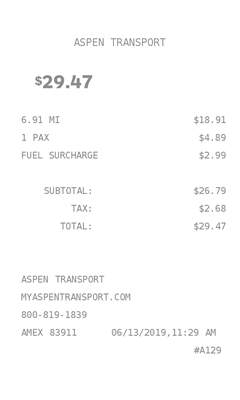
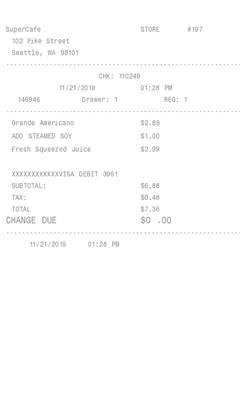
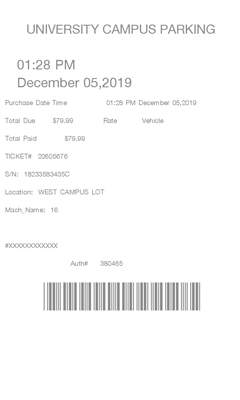
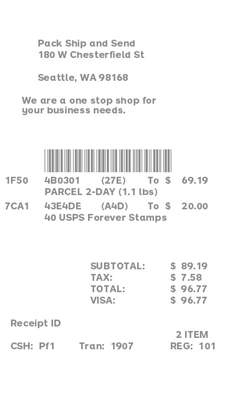
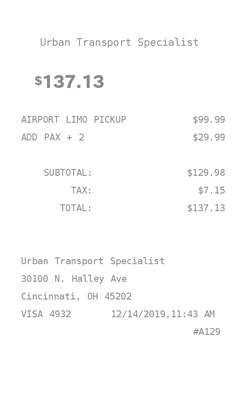
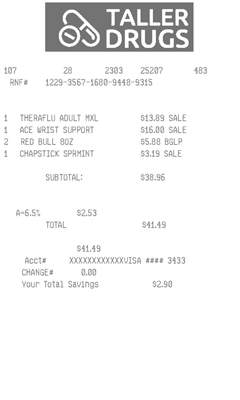
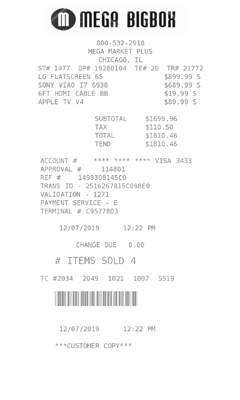
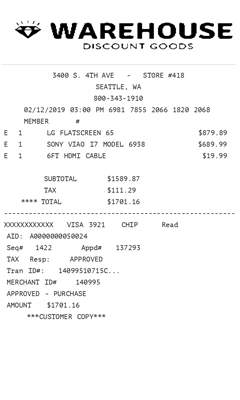
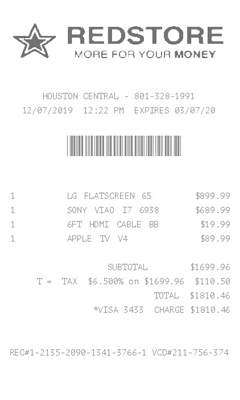
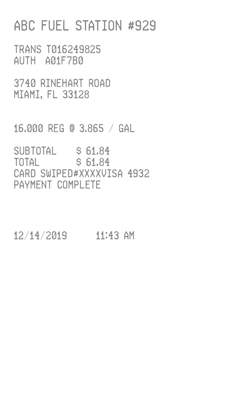
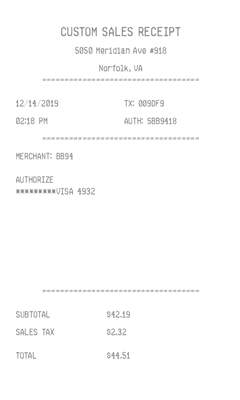
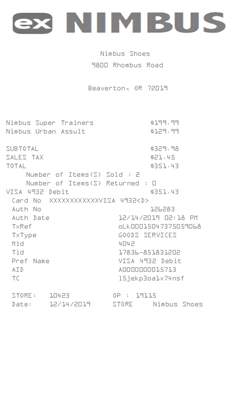
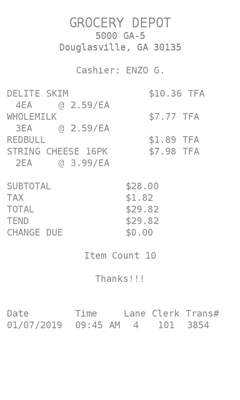
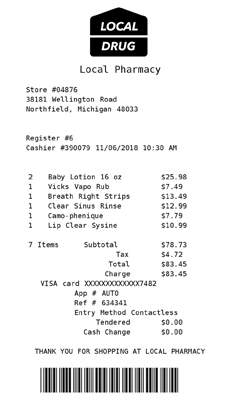
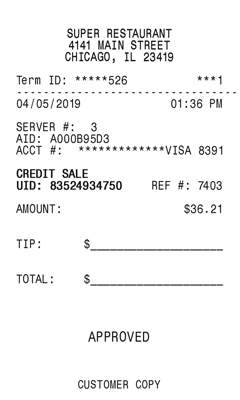
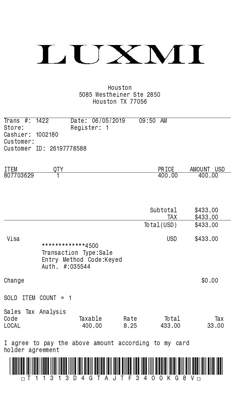
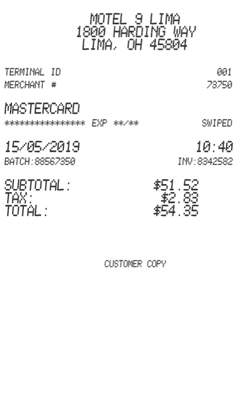
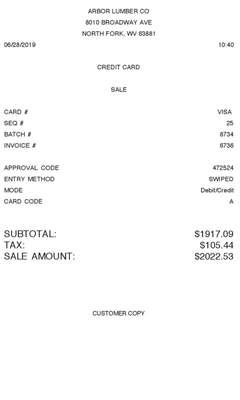
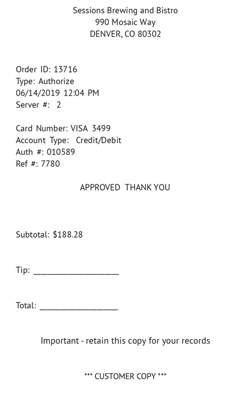
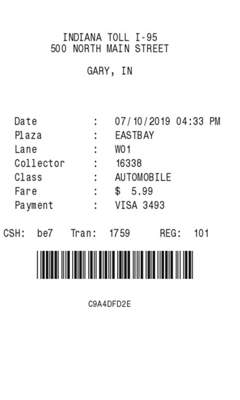
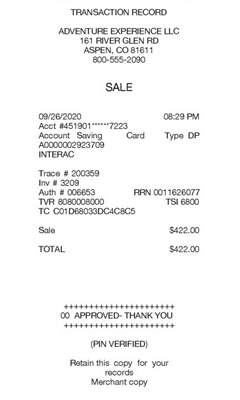
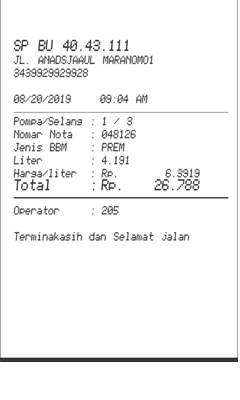
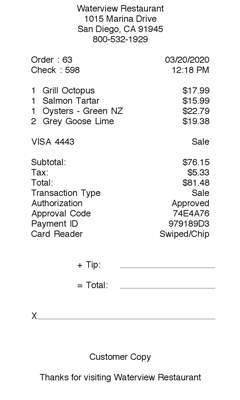
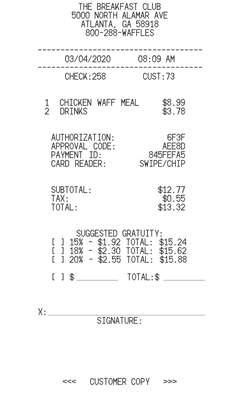
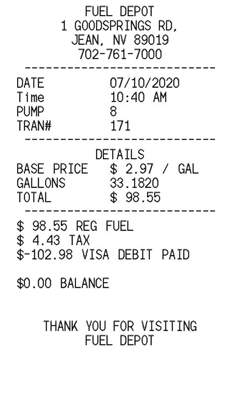
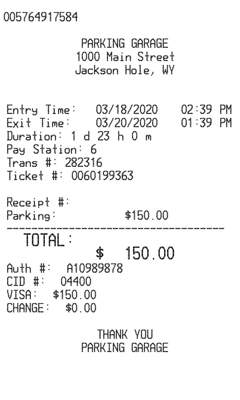
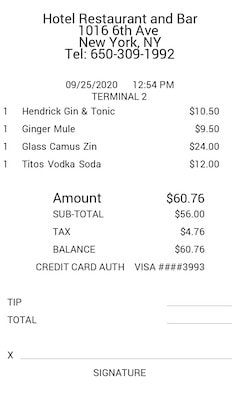
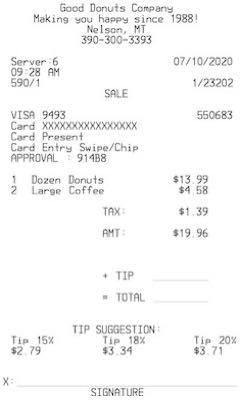
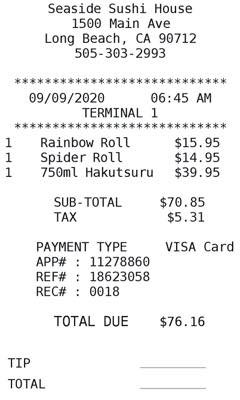
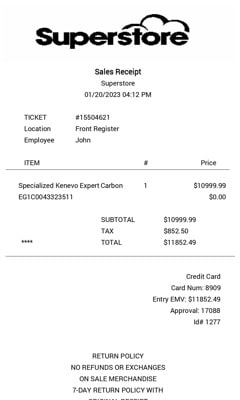
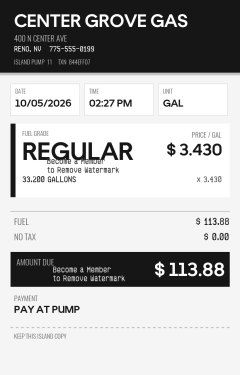
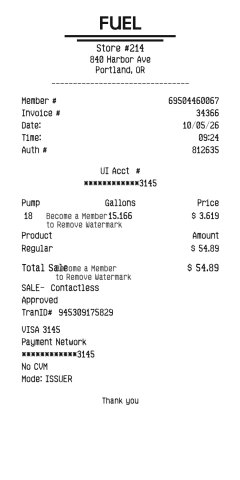
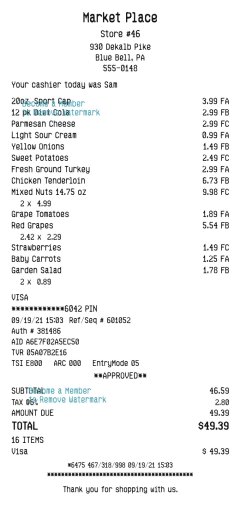
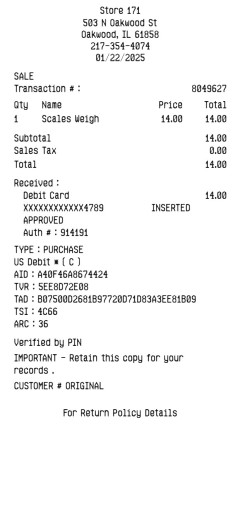
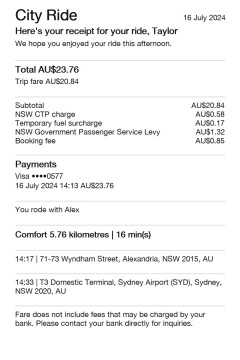
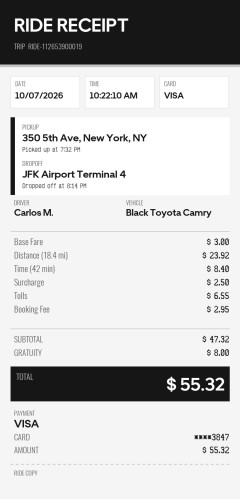
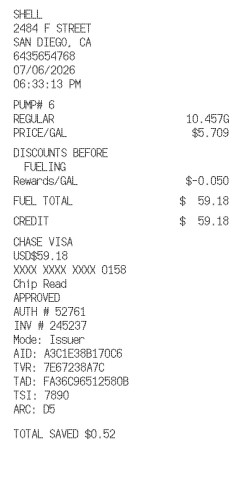
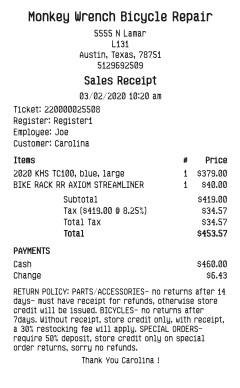
Create Receipts on Your Phone
MakeReceipt Mobile
Available for free for all MakeReceipt users. Make receipts anytime, anywhere. Supports Bluetooth thermal printers - print real receipts to thermal receipt paper!


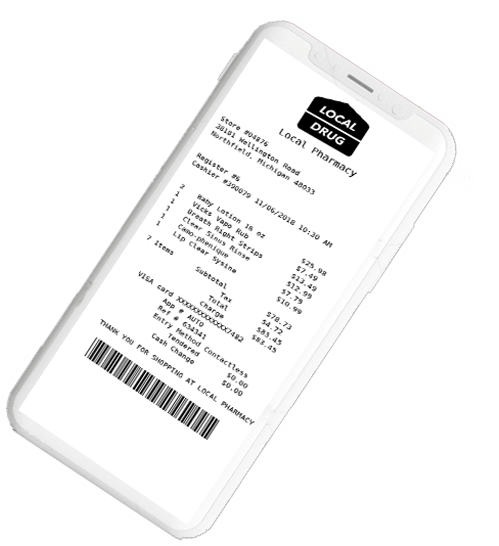
What MakeReceipt does
MakeReceipt is a free online receipt generator. You choose a template, enter the sale, and download or print a digital receipt. It is for small businesses, freelancers, and anyone who needs a restaurant, fuel, taxi, retail, grocery, or pharmacy receipt without starting from a blank page. You customize a realistic template — the font, logo, items, tax, and totals — instead of designing a receipt yourself.
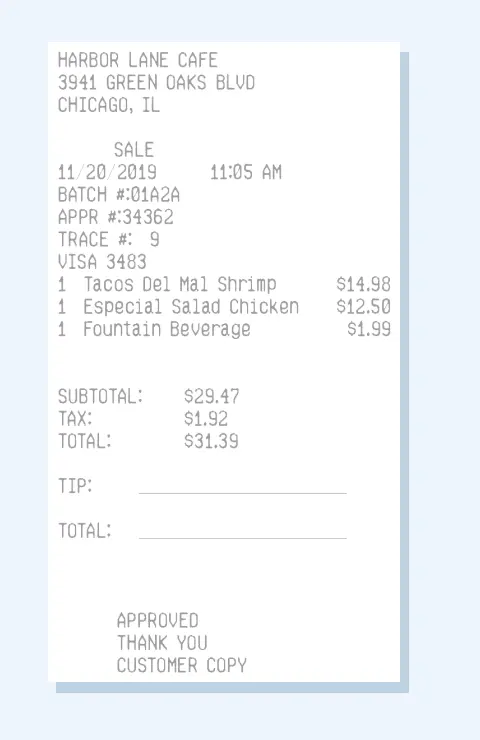
How to create a receipt
-
1
Choose a template
Start with a sales, restaurant, fuel, taxi, grocery, pharmacy, or retail receipt.
-
2
Enter the details
Add the business, date, items, prices, and tax. MakeReceipt adds the subtotal and total.
-
3
Download or print
Save the receipt or print it at home. A free copy includes a watermark until you join.
Receipt types you can make
These are the receipt formats people use most. Each link opens templates you can edit and download.
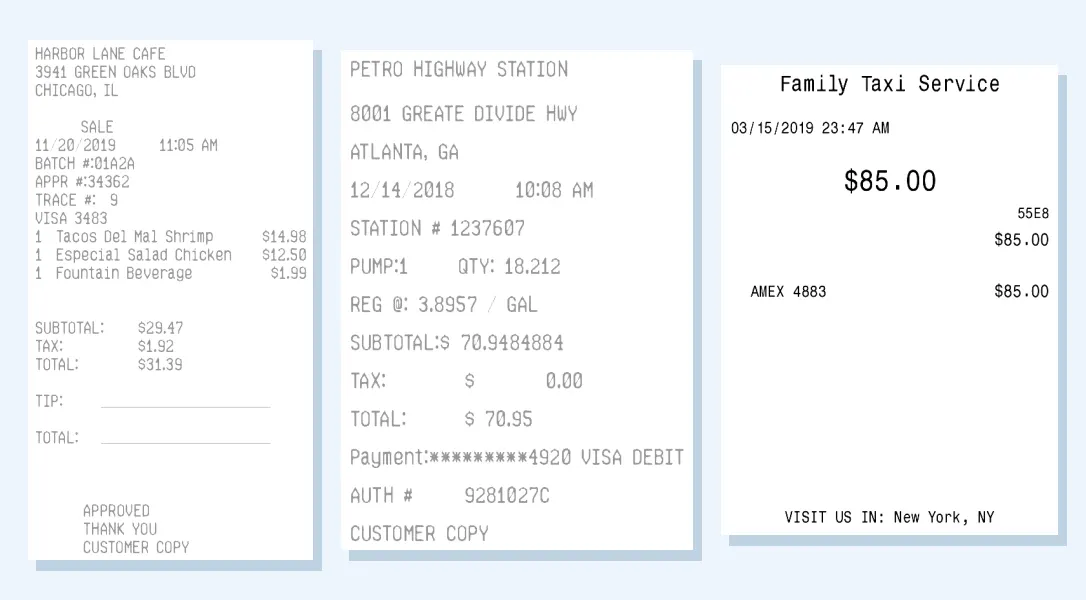
-
Meals, tax, and a tip line.
-
Station, gallons or liters, and price.
-
Trip, fare, and payment.
-
A purchase, a service, or a simple total.
-
Merchandise and point-of-sale sales.
-
Itemized products, quantities, and totals.
-
Store purchases with item lines and tax.
-
Location, time, and payment.
Make a receipt free, or join for a clean copy
Create a receipt for free and review the layout before you pay. A free receipt includes a watermark. Standard and Pro memberships remove the watermark from the templates included in that plan. See membership plans.
Common questions
Is it free to create a receipt online?
Yes. You can create a receipt without an account and see the finished layout. A free receipt includes a watermark. Standard and Pro memberships remove the watermark from the templates included in that plan.
Can I customize a digital receipt?
Yes. Change the font, add a logo, and edit the business name, address, date, items, prices, tax, and payment line. For a grocery, pharmacy, or other itemized receipt, enter the quantity, item name, and price for each line, then add another item. MakeReceipt calculates the subtotal, tax, and total. You can also add a signature line, a tip line, a cardholder name, and a short note. Dollars, euros, pounds, and other currencies are supported.
Is it legal to make a receipt with this tool?
MakeReceipt formats the details you provide. Use it for your own sales, records, samples, and replacements you are allowed to recreate. Do not submit a generated receipt as proof of a purchase that did not happen. You are responsible for how the document is used.
What happens to the information I enter?
The business and purchase details you type are used to draw the receipt. If you create an account, your email and payment details are used to run that membership. Receipt files and the form details used to create them are deleted after 60 days.
Can I print the receipt at home?
Yes. Download the receipt and print it on a regular printer. A short printing guide is linked below.