Car Parking Garage Generator

PRO template

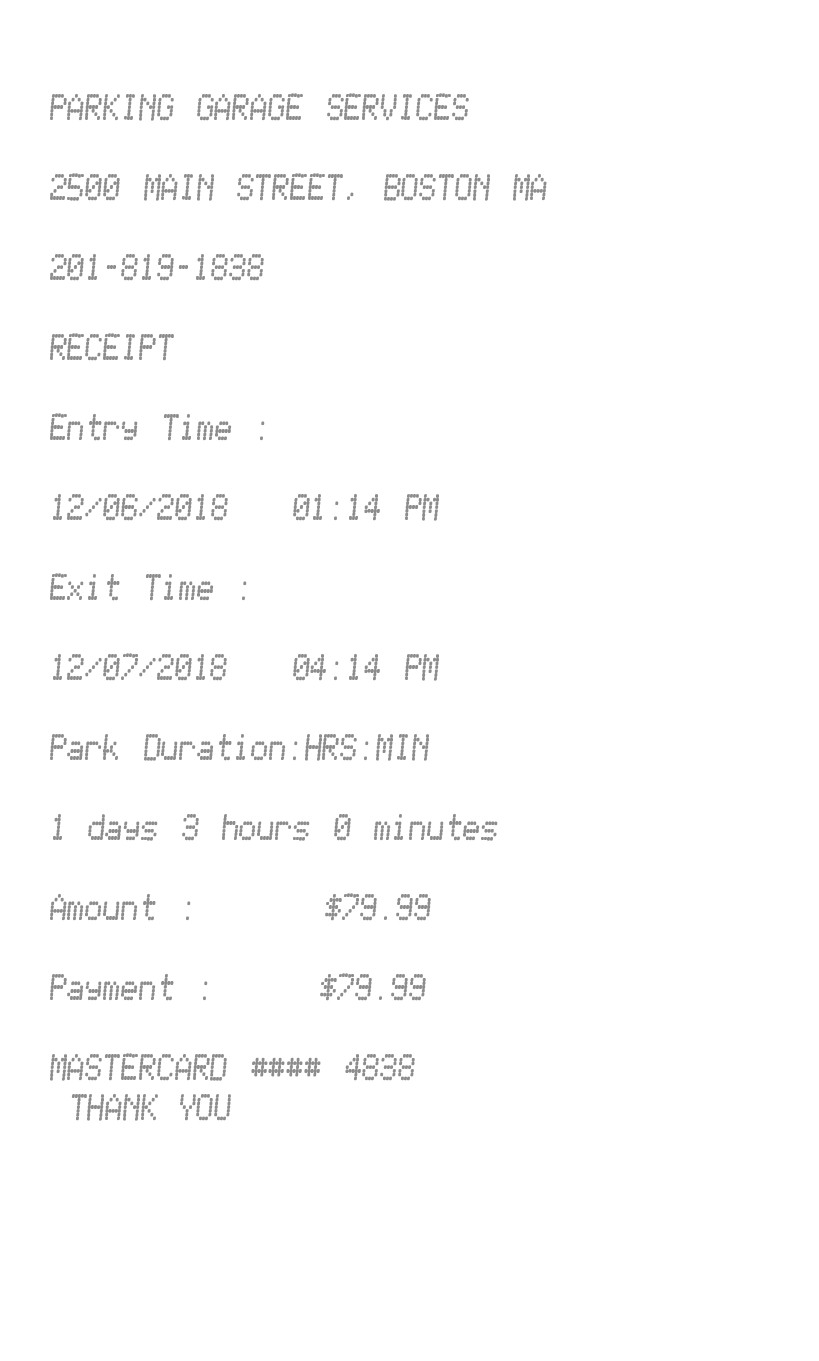
Entry and exit times, with the stay calculated in days, hours, and minutes. The amount you type is the charge. Tax is not added.

Enter Receipt Details

What information you can enter on this Car Parking Garage Generator template:

How the sample is arranged

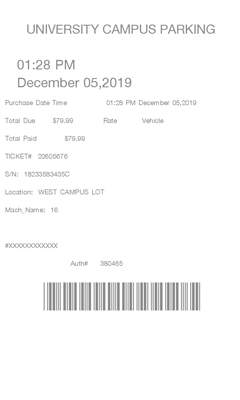
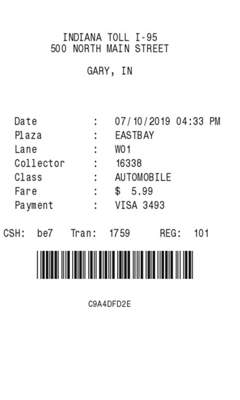
The sample is in capitals. Garage, street, and city come first, then the word Receipt. Entry time and exit time each show a date and a time. Park duration is labeled hours and minutes, and the next line is the stay. Amount and payment both show the figure you typed. The payment text and Thank you close the slip.

How the amounts are worked out

The stay is the difference between the entry and the exit. Amount and the payment figure are both the amount you type. The payment text prints on its own line under that. A receipt number is filled in.

How to make this receipt

  1. Enter the garage name, address, and city and state.
  2. Enter the entry and exit date and time, and the amount.
  3. Type the payment line, then make the receipt and download the JPG or PDF.

Membership and download

This is a PRO template. Standard membership still shows the membership watermark. A current PRO membership removes it. After you make the receipt, the page offers a JPG download and a PDF of that same image.

Other templates

Related Receipt Templates