Customer Copy Receipt Generator

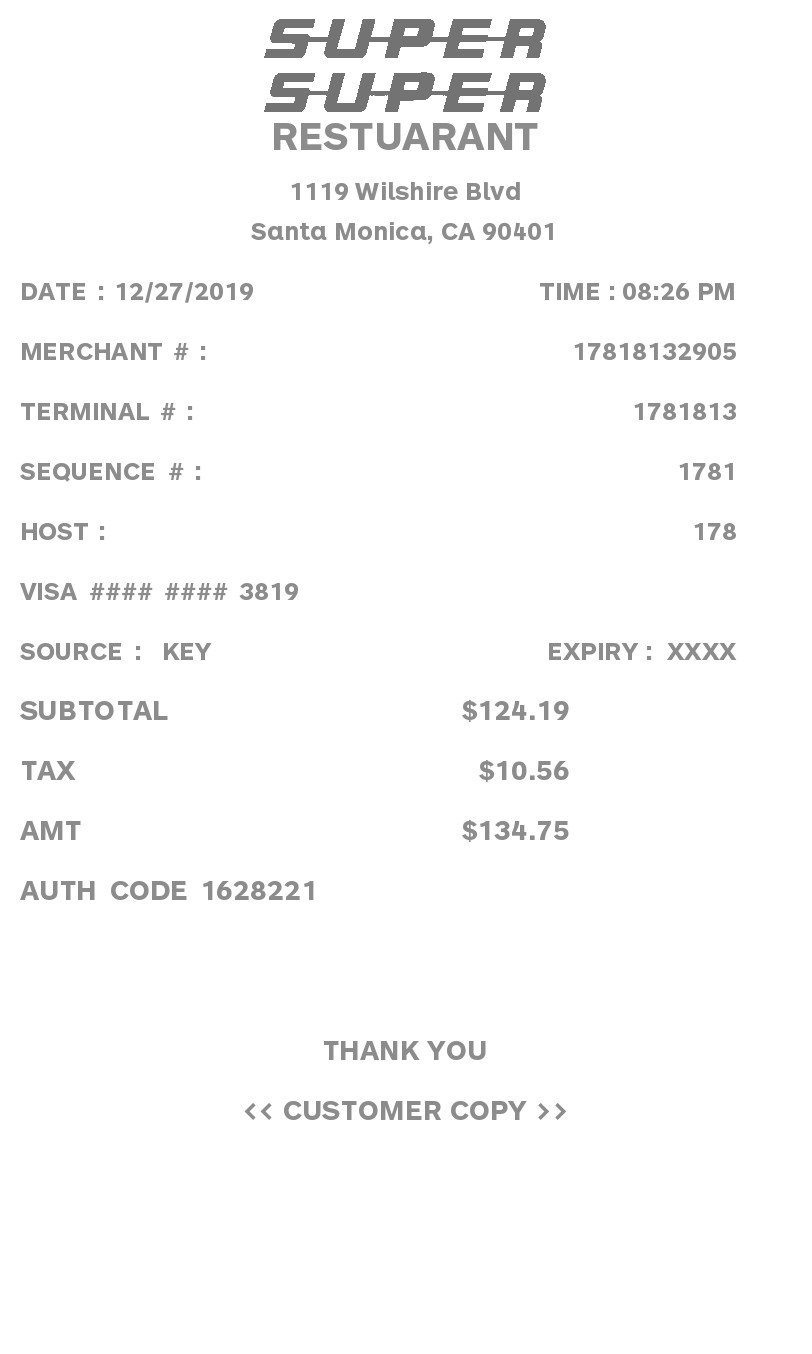
A centered customer copy with a logo, one amount, and tax. Merchant and terminal numbers are filled in for you.

Enter Receipt Details

PNG, JPG, GIF, or WebP up to 6 MB.

What information you can enter on this Customer Copy Receipt Generator template:

How the sample is arranged

The sample is centered. The logo sits above the business, street, and city. Date and time share a line. Then merchant, terminal, sequence, and host numbers, the payment line, and a fixed “Source: Key” with expiry shown as XXXX. Subtotal, tax, and amount follow, then an auth code, Thank you, and Customer copy.

How the amounts are worked out

The subtotal is the amount you type. Choose No tax and the tax line is left off. Any other label adds that percent, and the amount line is the total. Merchant, terminal, sequence, host, and auth numbers are filled in.

How to make this receipt

  1. Upload a logo and enter the business name, address, and city and state.
  2. Type the amount and a tax label and percent, or choose No tax.
  3. Type how it was paid, then make the receipt and download the JPG or PDF.

Membership and download

This is a Standard template. A current Standard or PRO membership removes the membership watermark. If you are not signed in, the receipt still shows that watermark. After you make the receipt, the page offers a JPG download and a PDF of that same image.

Other templates

Related Receipt Templates