Shoe Store Replica Generator
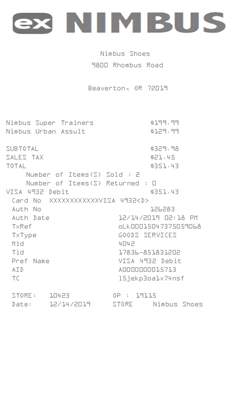
PRO templateA PRO shoe-store slip with an optional logo. The figure beside each item is the price you type. The subtotal multiplies by the quantity.
Enter Receipt Details
What information you can enter on this Shoe Store Replica Generator template:
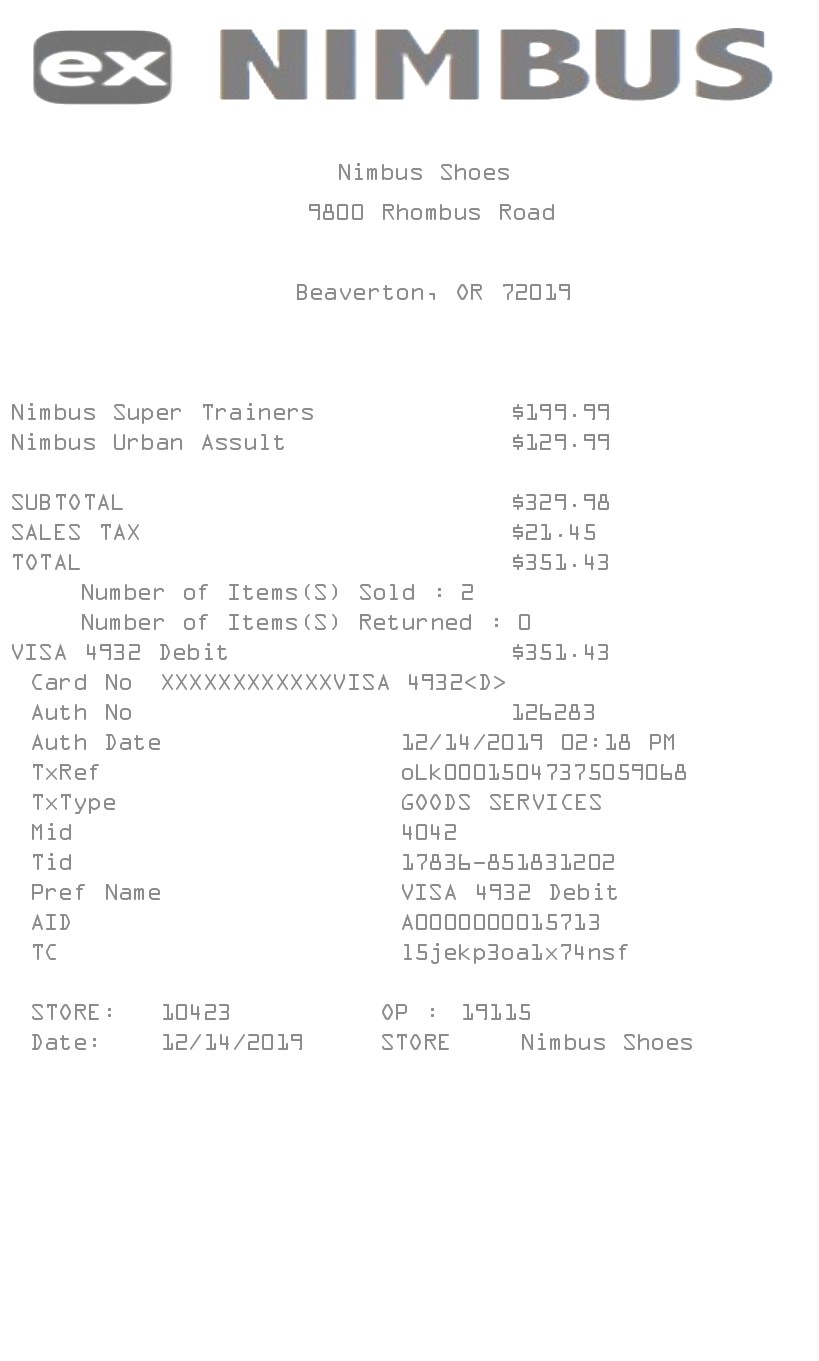
- Logo Upload a logo if you want one. It prints at the top. The sample uses a boxed mark.
- Store Store name, street, one city and state line, phone, date, and time. The phone is on the form. This receipt does not print it.
- Items Each line has a quantity, a description, and a price. The receipt prints the description and the price. It does not print the quantity. A currency symbol, one tax label and percent, and a payment line sit with the fields. The payment text is what prints as the debit name and as the card number. A second tax row can appear on the form. This receipt prints only the first label and rate. Five font styles sit above the fields. Amounts use a period. The euro checkbox is on the form and does not change that.
How the sample is arranged
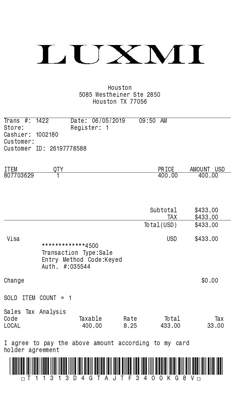
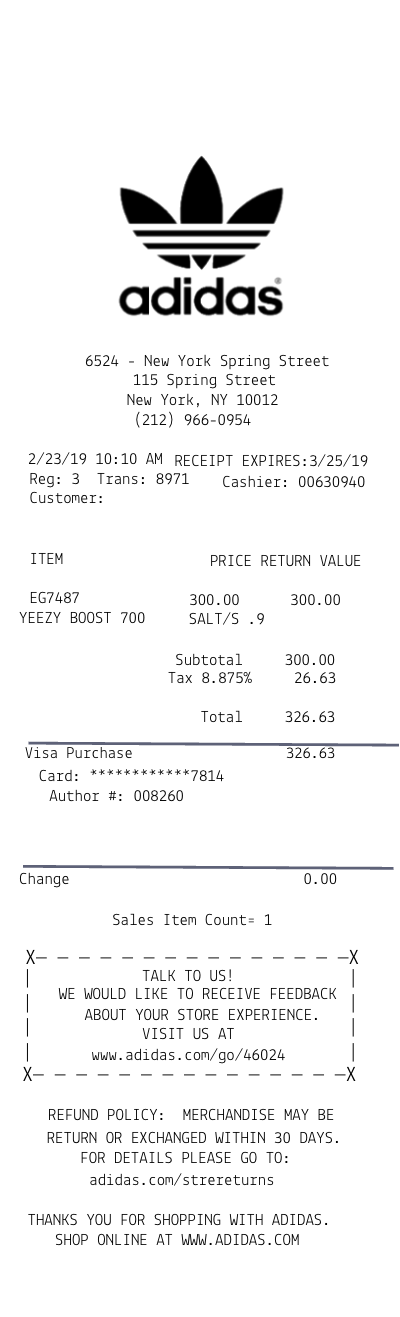
The sample is a logo, the store name, the street, and the city. Item lines show a description and a price. Subtotal, tax, and total follow, then a count of the lines and a returned count of 0. The payment text prints with the word Debit, then a masked card number using that same text. Auth, date, TxRef, TxType, Mid, Tid, the payment text again, AID, and TC follow. Store and operator numbers, the date, and the store name close the slip.
How the amounts are worked out
The subtotal is the sum of quantity times price, even though the line shows the unit price. Choose No tax and the tax line is left off. Any other label adds that percent of the subtotal. The sold count is the number of lines, not the sum of the quantities. Returned is 0. TxRef is the same code on every receipt. TxType is Goods services. The other codes are filled in.
How to make this receipt
- Upload a logo if you want one, then enter the store name, address, and city and state.
- Add each item with a quantity, a description, and a price. Choose a tax label and percent, or choose No tax.
- Type the payment line, then make the receipt and download the JPG or PDF.
Membership and download
This is a PRO template. Standard membership still shows the membership watermark. A current PRO membership removes it. After you make the receipt, the page offers a JPG download and a PDF of that same image.
Other templates
- Walmart Receipt Replica A quantity above 1 prints on the line, and the line total matches the subtotal.
- GUCCI Replica Item, quantity, unit price, and a line amount, plus a sales-tax block.
Questions
Why is the subtotal higher than the prices I see?
Each line shows the unit price. The subtotal is quantity times that price, added up.